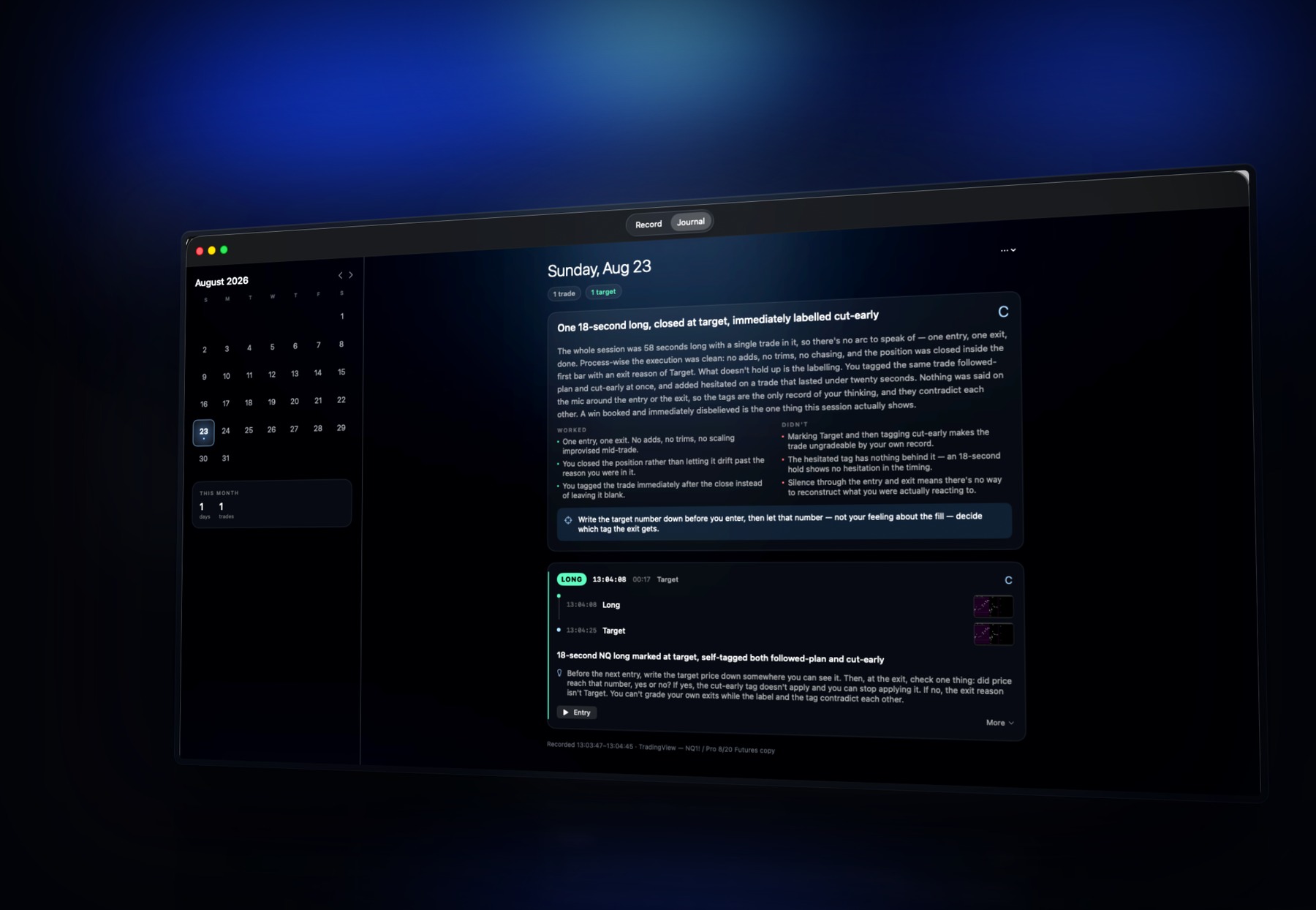
It records the screen you trade on, you mark each trade with one key, and when you stop it writes the day up — every trade, and the session as a whole.
Nobody skips journaling because they're lazy. They skip it because by the time they sit down at night the screen is gone — and so is whatever they were thinking at the moment they clicked.
Three trades on Tuesday becomes one vague line on Friday,
or nothing at all.
Start a session and it captures the display you actually trade on, alongside your microphone, for as long as you're at the desk.
Long, short, add, trim, exit. Each press saves the second it happened and a full-resolution image of the screen exactly as it looked.
When you stop, it reads the frames, your own words and the timeline, and writes up every trade and the day.
A small bar floats over your charts with a live session clock and a microphone meter. Every action has a global shortcut, so you can mark a trade without looking away from price.
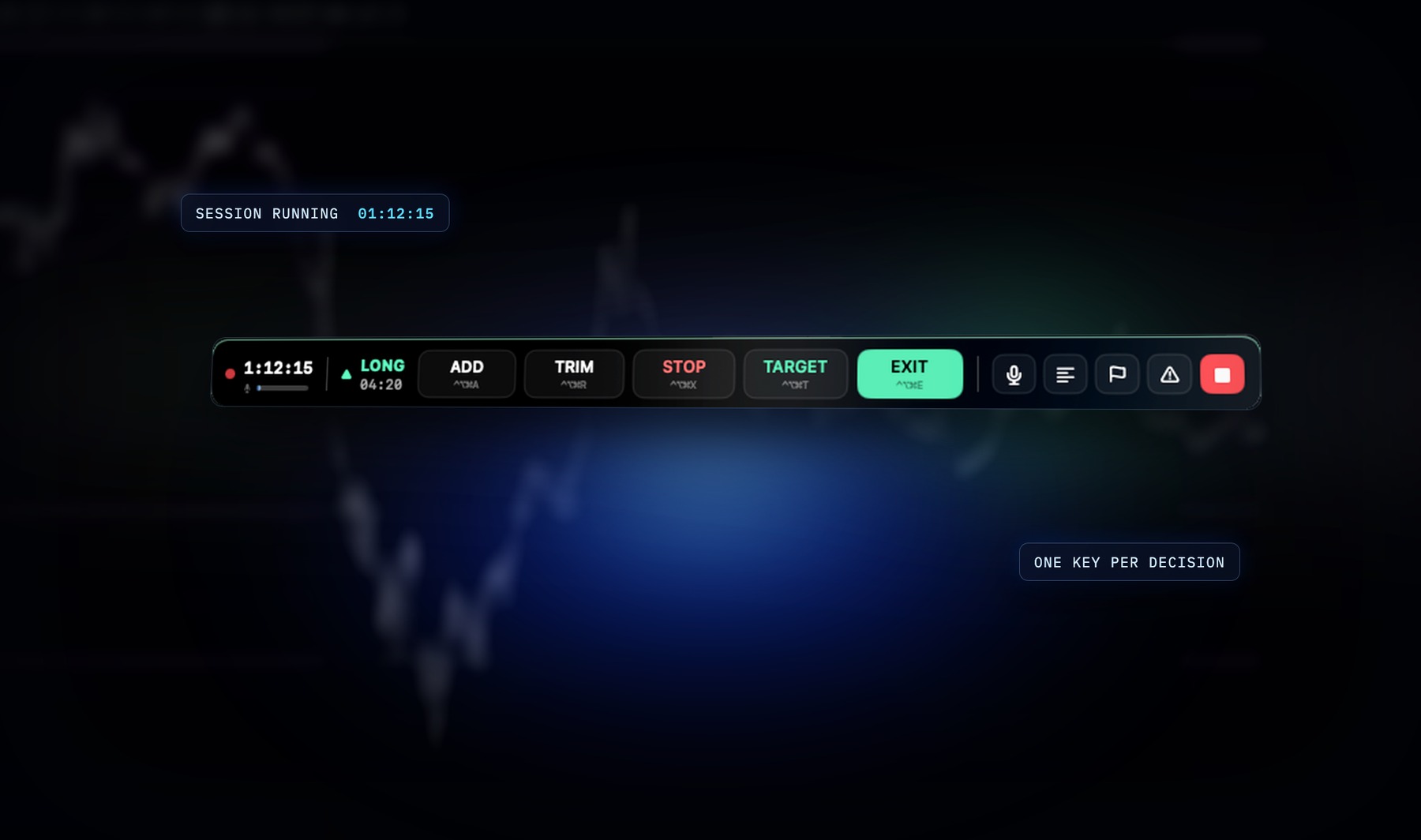
The bar never appears in the recording.
There's no button to press and nothing to remember. Whatever you said around a trade is transcribed and attached to that trade, so the reason you took it survives past the afternoon.
Speech is transcribed on your own machine.
The audio never leaves it.
Setup, execution, state of mind, and one concrete lesson. A loss taken exactly to plan scores better than a win taken on impulse — and it will say so when the outcome and the process disagree.
It only describes what is actually on screen. If a chart is too small to read, it says that rather than inventing a level.
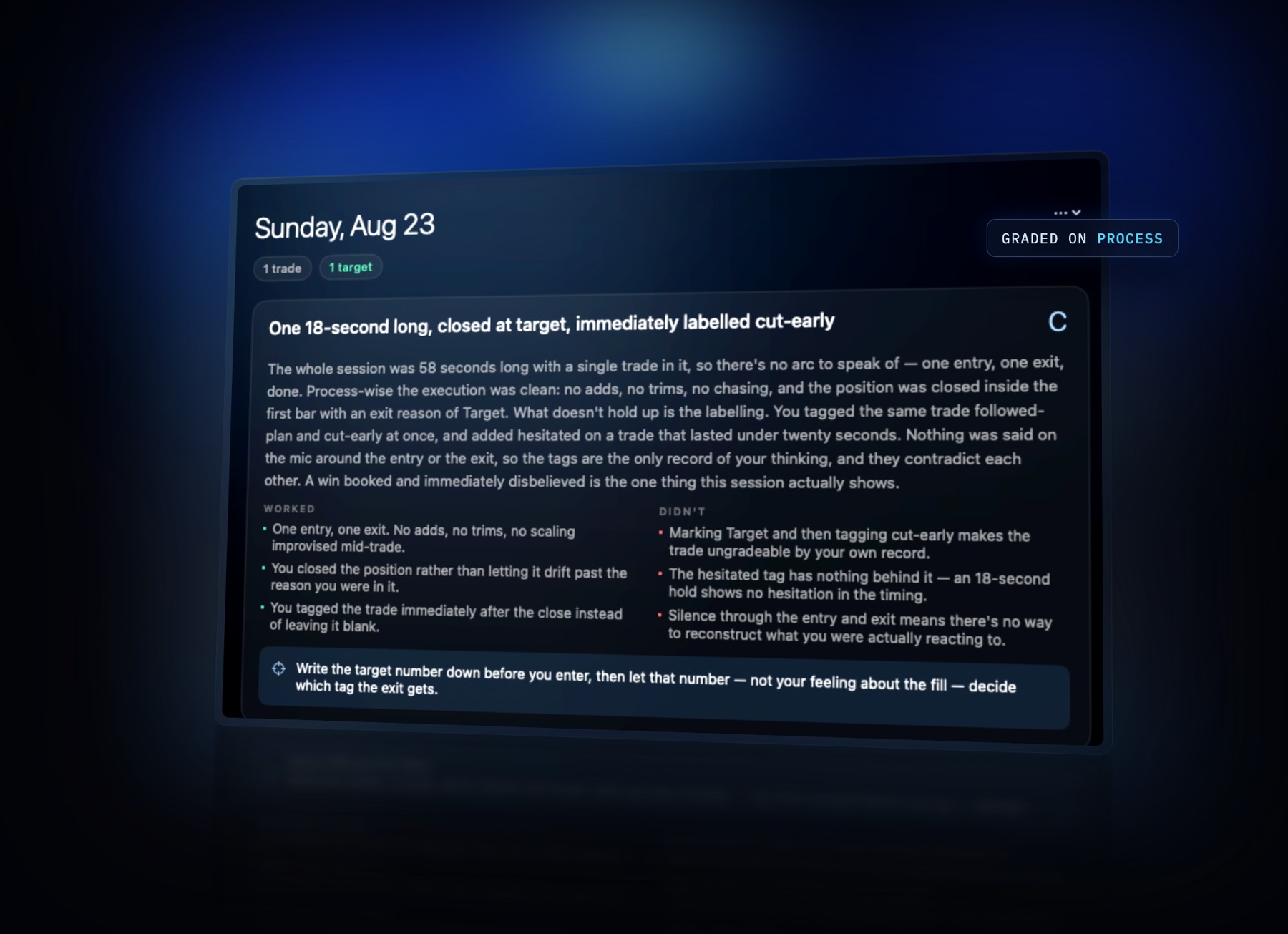
Real output from a real session. Nothing staged.
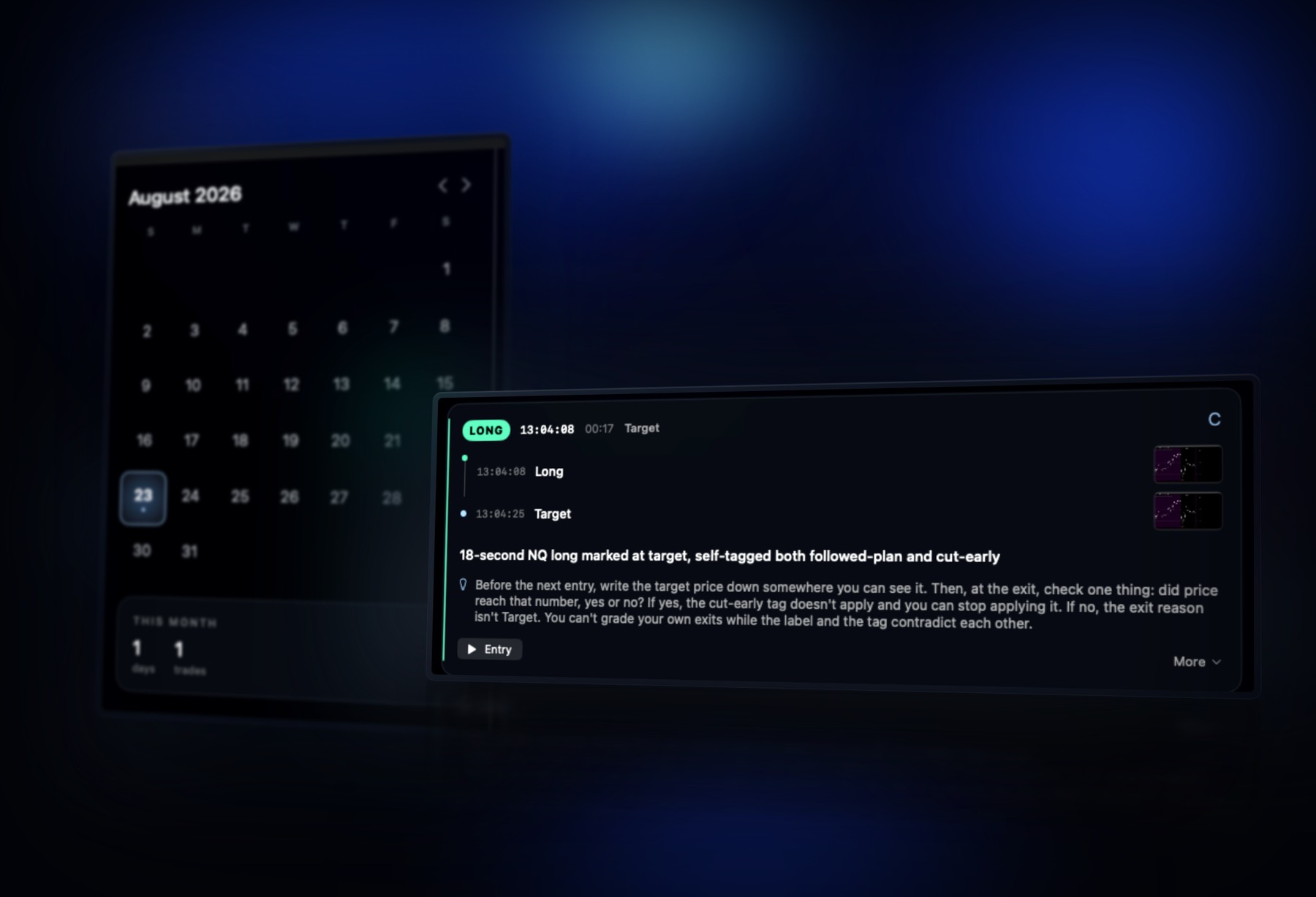
Days you traded are lit up, with a mark for each trade. Open one and you get the chain of what happened — where you got in, where you sized up, where you came out — with the chart at each step and a short clip of the entry and the exit. You never scrub through hours of recording.
Every session is a plain folder — the video, the frames, your audio and the journal as markdown. Readable without the app, and yours to keep or delete. No account, no cloud, no lock-in.
~/Movies/Tape Deck/2026-08-24/
session.json video/ frames/
audio/ clips/ review/session.md
Worth knowing before you record: the default source is your whole display, so anything else on screen when a trade is marked — an account balance, an open email — is part of that frame. And because the microphone runs continuously, speech around a trade is captured. Recording a single window instead of the display narrows the first.
It's being run on real trading sessions before anyone else gets it. macOS only for now. Leave an email and you'll hear when the first build and the free trial go out — that's the whole commitment.
Built by an active futures trader who wanted it for their own sessions,
then kept building until it was worth handing to anyone else.